Contents
What photo size do realestate.com.au and Domain want?
By the Duskpix team · Published 7 November 2026
Both portals publish their photo rules, and neither asks for much. realestate.com.au recommends 1920 × 1440 pixels for a standard landscape photo, and Domain asks for at least 800 × 600. Both take JPEG, and neither publishes a maximum pixel size. The limit you are most likely to meet is file size, and only on Domain, which warns that anything over 3 MB may upload slowly.
The short answer
Send JPEGs in landscape 4:3, at least 1920 × 1440 pixels, in RGB colour and under 3 MB each. That meets realestate.com.au’s recommendation and every Domain rule. It is also what Duskpix’s standard download gives you: about 2560 × 1920 pixels for a 4:3 photo, at around 2 MB.
realestate.com.au
realestate.com.au sets out its image rules in the specification for listing software, the feed most agency systems use to send listings (realestate.com.au listing upload specifications). The sizes it recommends, by shape:
| Shape | Recommended (pixels) | Minimum (pixels) |
|---|---|---|
| Landscape 4:3 | 1920 × 1440 | 800 × 600 |
| Portrait 3:4 | 1440 × 1920 | 800 × 600 |
| Wide 16:10 | 1920 × 1200 | 800 × 500 |
| Wide 16:9 | 1920 × 1080 | 800 × 450 |
| Panorama 3:1 | 1920 × 640 | 800 × 266 |
- File size: up to 60 MB per image through listing software, so size on disk is not the constraint there.
- Format: JPEG, PNG or GIF, in RGB colour. A CMYK file, the kind a print designer may hand you, still uploads but shows the wrong colours.
- Other sizes: accepted, but they may be modified to fit the site’s 16:9 and 4:3 layouts, which means cropped or resized.
- Compression: every image is lightly compressed when it arrives.
- The specification sets no maximum pixel size.
Uploading by hand in realestate.com.au’s Agent Admin? Its own pages do not publish a separate limit for that. Third-party guides quote limits of a few megabytes, which a photo of around 2 MB stays under.
On realcommercial.com.au, the commercial site, the guide allows up to 20 MB per image in JPEG or PNG, uses 2000 × 1500 as its 4:3 example, and warns that photos may be cropped (realcommercial image size guidelines).
Domain
Domain’s help centre has one set of rules for listings in general (Domain help: uploading images) and a tighter one for projects and new developments (Domain help: project image sizes).
- Every listing: at least 800 × 600 pixels, or the photo will not load. JPG, JPEG or PNG. Up to 10 MB each, though anything over 3 MB may take too long to upload.
- Projects and new developments: 1600 × 1200 pixels, the 4:3 shape, in JPEG, with files kept to 3 MB.
Domain does not publish a recommended size for an ordinary residential listing, or a maximum. realestate.com.au’s 1920 × 1440 sits inside every Domain rule, so one set of files serves both portals.
File size is not quality
File size reflects how a photo is compressed, not how much detail it holds. What matters is pixel dimensions. A 12 MB original straight off a phone and a 2 MB edit of it can both be well above the size the portals recommend, and realestate.com.au compresses both when they arrive. A heavier file does not reach the listing any sharper. It only uploads more slowly, which is the one limit Domain warns about.
Keep the photo’s shape
realestate.com.au lays photos out at 16:9 and 4:3 and may crop or resize one that is not one of its shapes, and Domain asks for 4:3 on project listings. Shoot the main photo in landscape, keep the set in one shape, and crop as little as you can. A phone’s standard photo is already 4:3. Our phone photography tips cover the rest of the shoot.
Brochures, window cards and signboards
Print is measured in pixels per inch at the size you print. A photo 2560 pixels wide, printed across a landscape A4 page, comes to about 220 pixels per inch, which is sharp up close. Across A3 it is about 155: fine on a window card read from the footpath, softer at arm’s length. So the file you send the portals also does your flyers, brochures and window cards.
A signboard is printed far larger, so ask your printer for the size they want and send a bigger file. Enlarging a photo makes it fit a larger print; it does not add detail the camera did not capture.
Sizes in Duskpix
Every edit downloads in two sizes, and neither uses an extra credit.
- Web size is the standard: about 2560 × 1920 pixels for a 4:3 photo, in your photo’s own shape, saved as a high-quality JPEG of around 2 MB. It is bigger than both portals recommend and under their upload limits, and it suits social posts, email, flyers, brochures and window cards too.
- Print size is for signboards and other large-format prints: the same edit enlarged to 3840 pixels on its long edge and sharpened. Choose it when you download; each photo takes a few seconds to prepare.
The portals change their rules without notice. These are the figures each one published when this was written; check the linked pages before a big campaign. The pricing page answers the other common question about size: why an edit is smaller on disk than the original.
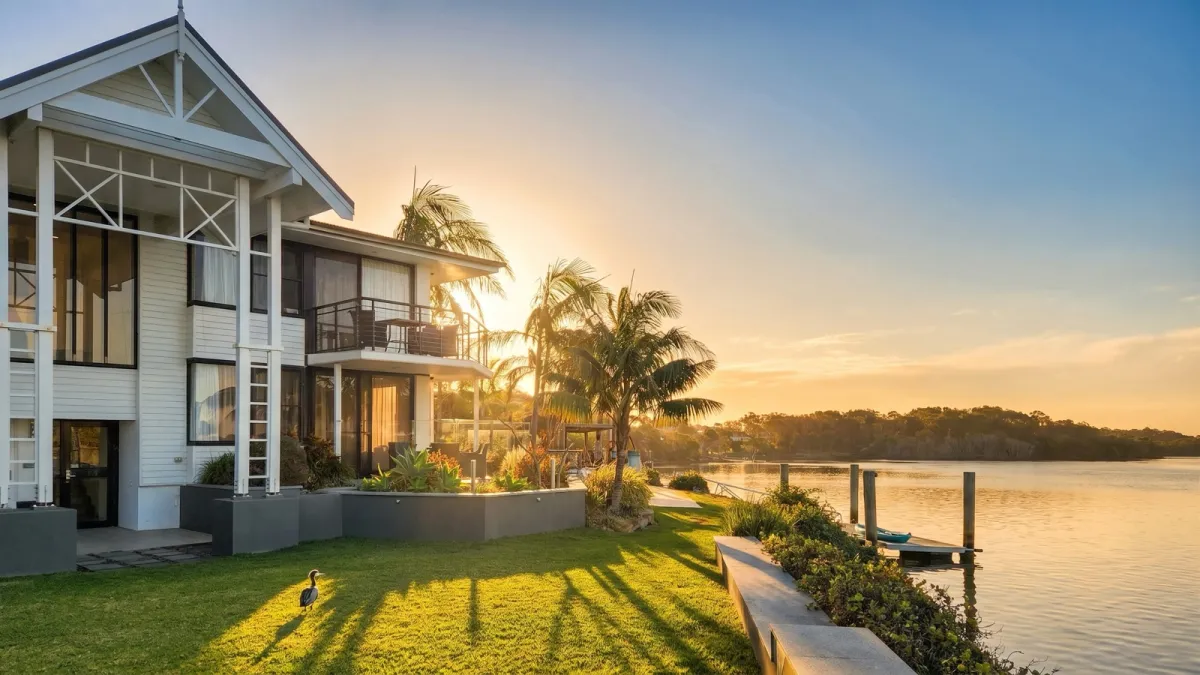
Listing ready, at the right size.
Web size for the portals and Print size for the signboard, from the same edit. Start with 50 free edits, with no card required.
Claim your 50 free edits